Invitation
Upon trying to create an account, I am presented with a little window, asking for an invite code, along with the suggestion to hack your way in.
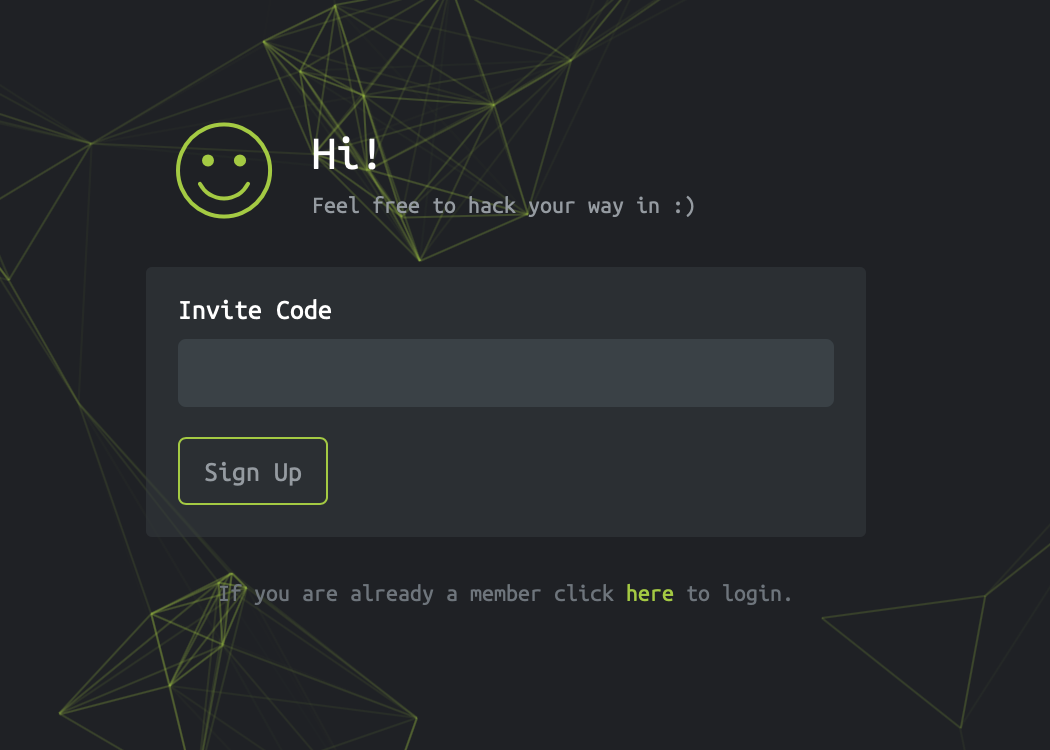
Since there are no obvious signs of any code being present in the website itself, and it does say that feel free to hack your way in, I guess I need to get out the source of the website and see if I can spot anything useful.
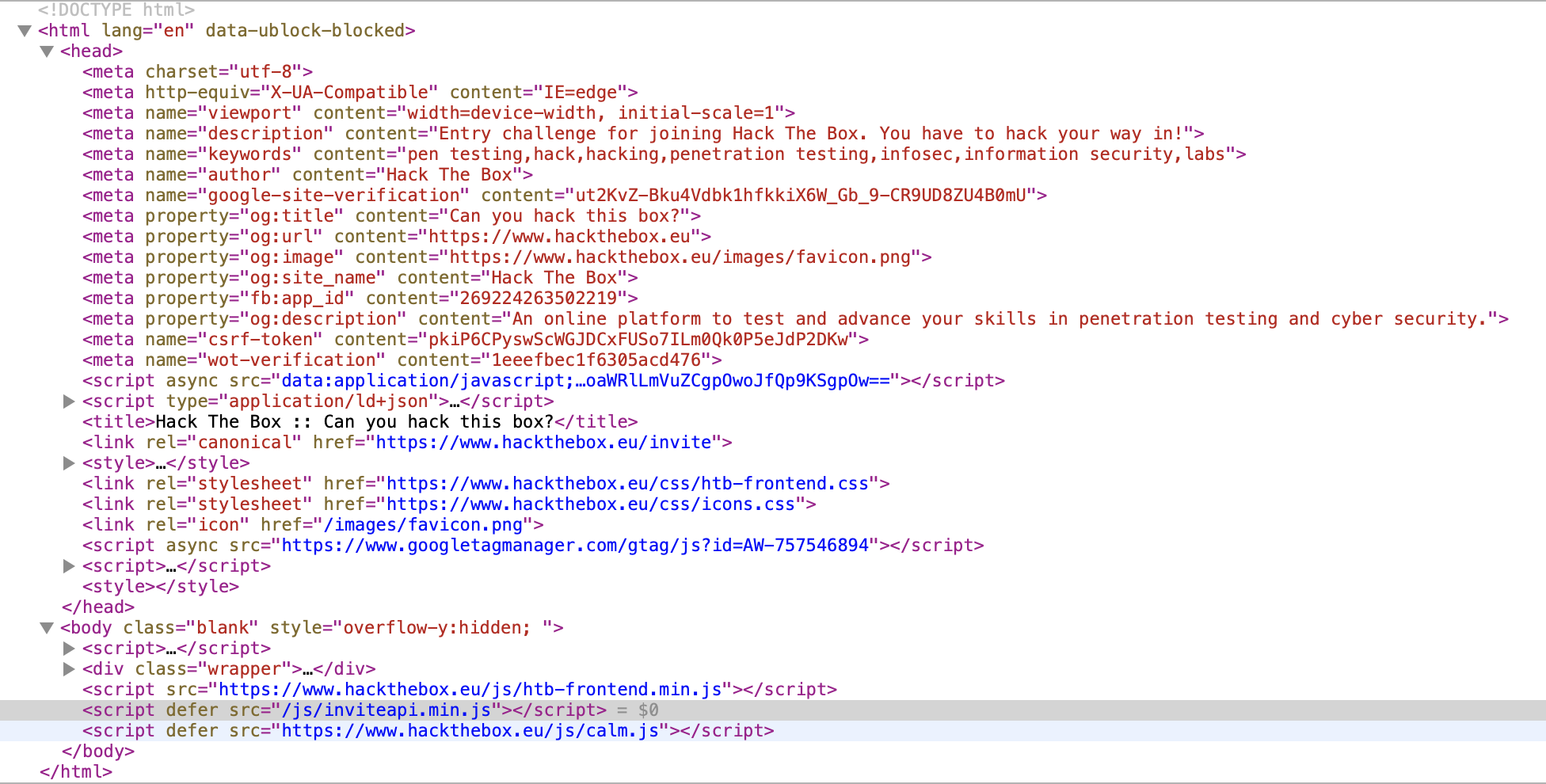
I the actual form itself is not really interesting, just a standard POST form with a token and the entered value. Also no comments in the HTML with anything I could try.
I look at the metadata to see if there is anything useful, but negative. The only other thing that might be interesting is the JavaScript code, so I start to examine those.
There is one that is embedded base64-encoded. My browser can decode that, but it just seems to be something to do with analytics. Analytics seems to be everywhere these days.
Next there is one, an external one. The domain, googletagmanager.com, doesn't
sound like this would be the one. Also, it is obfuscated. Seems unlikely to be
interesting.
Next, there is the htb-frontend.min.js. It is a minified JavaScript source,
and very long, so again, I doubt this is of interest.
This brings me to inviteapi.min.js. Now, this seems interesting to me.
The name itself suggests it has something to do with invite codes, and also
it is short and somewhat minified.
I check to see if in the same folder a inviteapi.js exists that is not minified,
but negative. Was worth a try anyways.
The code in this file is as follows:
eval(function(p, a, c, k, e, d) {
    e = function(c) {
        return c.toString(36)
    };
    if (!''.replace(/^/, String)) {
        while (c--) {
            d[c.toString(a)] = k[c] || c.toString(a)
        }
        k = [function(e) {
            return d[e]
        }];
        e = function() {
            return '\\w+'
        };
        c = 1
    }
    ;
    while (c--) {
        if (k[c]) {
            p = p.replace(new RegExp('\\b' + e(c) + '\\b', 'g'), k[c])
        }
    }
    return p
}('1 i(4){h 8={"4":4};$.9({a:"7",5:"6",g:8,b:\'/d/e/n\',c:1(0){3.2(0)},f:1(0){3.2(0)}})}1 j(){$.9({a:"7",5:"6",b:\'/d/e/k/l/m\',c:1(0){3.2(0)},f:1(0){3.2(0)}})}', 24, 24, 'response|function|log|console|code|dataType|json|POST|formData|ajax|type|url|success|api|invite|error|data|var|verifyInviteCode|makeInviteCode|how|to|generate|verify'.split('|'), 0, {}))
So what this is doing is somewhat interesting. There is a function that takes some obfuscated code, it does something with it (replacing some things) and eventually returns some real code as a string, which is then evaluated.
I change the eval() call into a console.log(), which is the JavaScript
equivalent of a print statement, and save the result as inviteapi.print.js.
Running that with
node inviteapi.print.js
I get some new JavaScript output, which looks promising. I save the result
as inviteapi.output.js.
function verifyInviteCode(code){var formData={"code":code};$.ajax({type:"POST",dataType:"json",data:formData,url:'/api/invite/verify',success:function(response){console.log(response)},error:function(response){console.log(response)}})}function makeInviteCode(){$.ajax({type:"POST",dataType:"json",url:'/api/invite/how/to/generate',success:function(response){console.log(response)},error:function(response){console.log(response)}})}
I can already see that this looks promising, but it's not formatted properly.
I am too lazy to do it myself, so I do a quick google search to find some kind
of code formatter I can use. I find prettier, which is on Homebrew, and thus
I install it with
brew install prettier
I use prettier to format the output, resulting in inviteapi.prettier.js.
prettier inviteapi.output.js > inviteapi.prettier.js
The result looks a lot more legible already.
function verifyInviteCode(code) {
  var formData = { code: code };
  $.ajax({
    type: "POST",
    dataType: "json",
    data: formData,
    url: "/api/invite/verify",
    success: function(response) {
      console.log(response);
    },
    error: function(response) {
      console.log(response);
    }
  });
}
function makeInviteCode() {
  $.ajax({
    type: "POST",
    dataType: "json",
    url: "/api/invite/how/to/generate",
    success: function(response) {
      console.log(response);
    },
    error: function(response) {
      console.log(response);
    }
  });
}
These two functions are loaded in my browser, because they have been eval'ed. So, next I go back to my browser, and try them out in the console.
In Safari, that doesn't work. I just get undefined as a result.
> makeInviteCode()
< undefined
I try it in Firefox, one of these browsers must work. And it turns out, it does indeed. The response I get back looks like this.
{
    0: 200,
    success: 1,
    data: {
        data: "Va beqre gb trarengr gur vaivgr pbqr, znxr n CBFG erdhrfg gb /ncv/vaivgr/trarengr",
        enctype: "ROT13",
    }
}
The data is obviously an obfuscated message, and it also tells me how it is obfuscated. ROT13 is a bit of a joke, it transposes all alphabetical characters by 13 places. When applied twice, it is therefore undone.
I think about how I can apply a rot13 without too much effort. There does
not seem to be a rot13 binary on my system to do that.
I find a Ruby gem named rot13, this seems like it should do what I want. I install it in my local system with
gem install rot13
Then I write a little Ruby script to decode it for me.
require 'rot13'

puts Rot13.rotate("Va beqre gb trarengr gur vaivgr pbqr, znxr n CBFG erdhrfg gb /ncv/vaivgr/trarengr")
This outputs the message
In order to generate the invite code, make a POST request to /api/invite/generate
So, I do that. The easiest way to generate a POST request I can think of is to
use curl. I use man curl to get the man page for it, to find out how to tell
it to generate a POST request. I think it was something with -G.
I manage to find the option, it is actually -X. I use the following command
to send a POST request:
curl -X POST https://www.hackthebox.eu/api/invite/generate
I get back a JSON object that looks somewhat like this, where X is replaced with some data.
{"success":1,"data":{"code":"XXXXXXXXXXXXXXXXXXXXXXXXXXXXXXXXXXXXXXX=","format":"encoded"},"0":200}
Every invocation generates another code. I guess these codes are one-off. I try one of the codes, however, it doesn't work. What captures my interest is that it tells me that the format is encoded. That, and the fact that the invite code ends with an equals sign tells me that it might be base64-encoded.
I take the encoded code and pipe it through base64 to decode it and see
what I get. It seems that my hunch was right. I get a code like this, where
X represents capital characters.
echo "XXXXXXXXXXXXXXXXXXXXXXXXXXXXXXXXXXXXXXX=" | base64 -D
XXXXX-XXXXX-XXXXX-XXXXX-XXXXX
I submit this code, and it works. It lets me register an account.